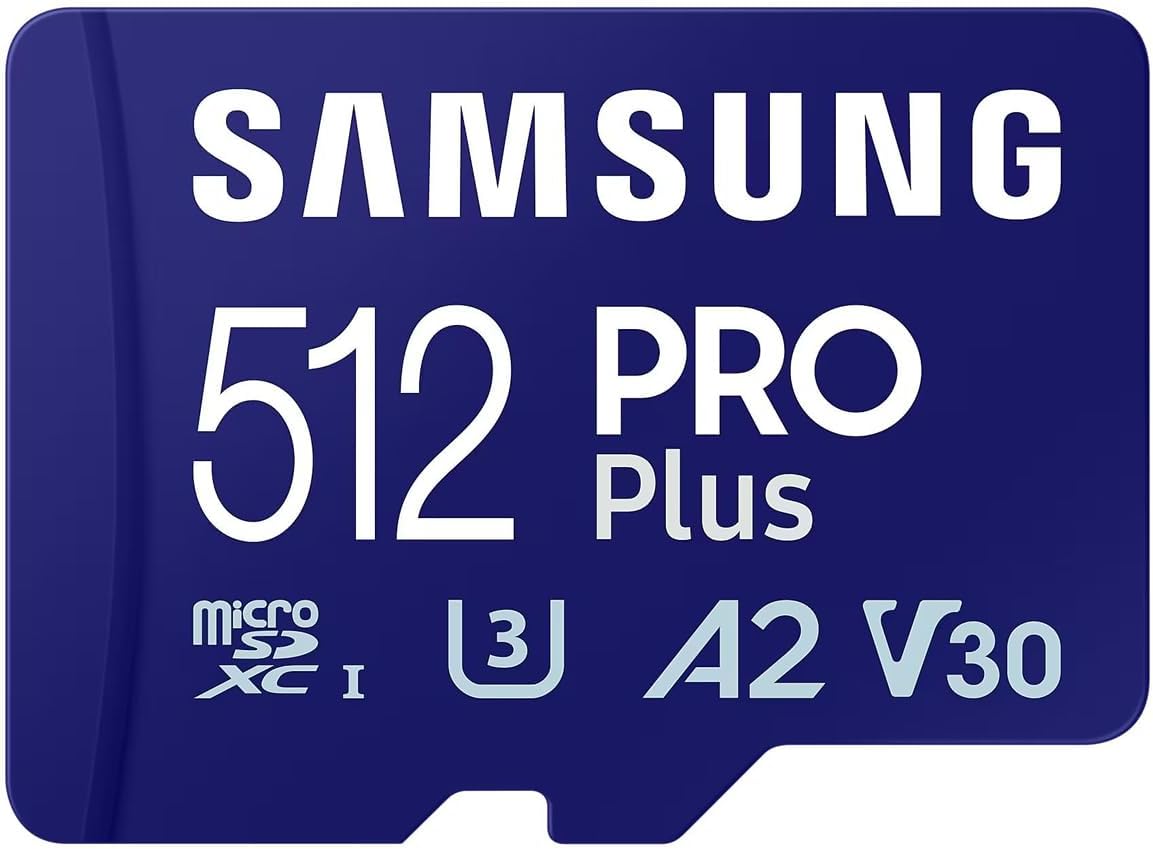
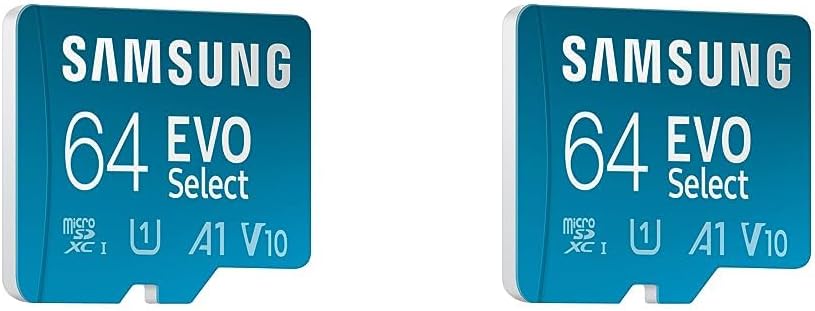
Samsung Evo Plus microSD SDXC U3 Class 10 A2 Memory Card 130MB/s with SD Adapter 2021 (512GB)
$35.43
$58.82
Because we’ve all hear the horror stories about fake Samsung, SanDisk, and Lexar micro SD cards ending up in the supply chain of even trusted retailers, the minute this card arrived I scanned it with “RMPrepUSB” to get a general idea of if it was genuine, then scanned it again with “h2testw” to check that the size it was showing was indeed true. It passed both tests without issue (The 2 pieces of software mentioned are freeware BTW. H2testw isn’t exactly quick, but it’s pretty thorough).The transfer speed I’ve seen so far is a totally stable 38mb/s. Not as quick as advertised, but not exactly slow, and with no stalling or dropping off of that speed at any point.A useful fact to remember here is that the data transfer speeds manufacturers quote are often the PERFECT case scenario (And it’s sometimes only ever a theoretical maximum) that the hardware can achieve if everything is setup purely to attain the highest data transfer speeds possible. In the real world, with a pc that’s got a few dozen background processes running, antivirus software scanning the files being transfer, USB bandwidth being hogged by other devices, plus a hundred and one suboptimal settings, it’s rare to get right up to this “Maximum data rate”.If you’re really in a hurry to shuffle big files around on SD cards, you can usually get a noticeable speed boost by turning off your antivirus and changing “Quick removal” to “Better performance” in the device removal properties policies, but both of those options increase the risk of bad things happening, so it’s all down to whether or not you feel the risk of data corruption is worth the potential saved time.Anyway, this cards destined for my last gen Samsung phone, so I doubt it’s going to be the bottleneck in any future file transfers I ask it to do. ��